








Frederick Douglass.
A student in Laura Doub’s American History class typed this name into his Chromebook for research on a project. Instead of displaying information about the social reformer and abolitionist, his device displayed the “Orange Screen of Death.” The web filter, AristotleK12, had blocked his search.
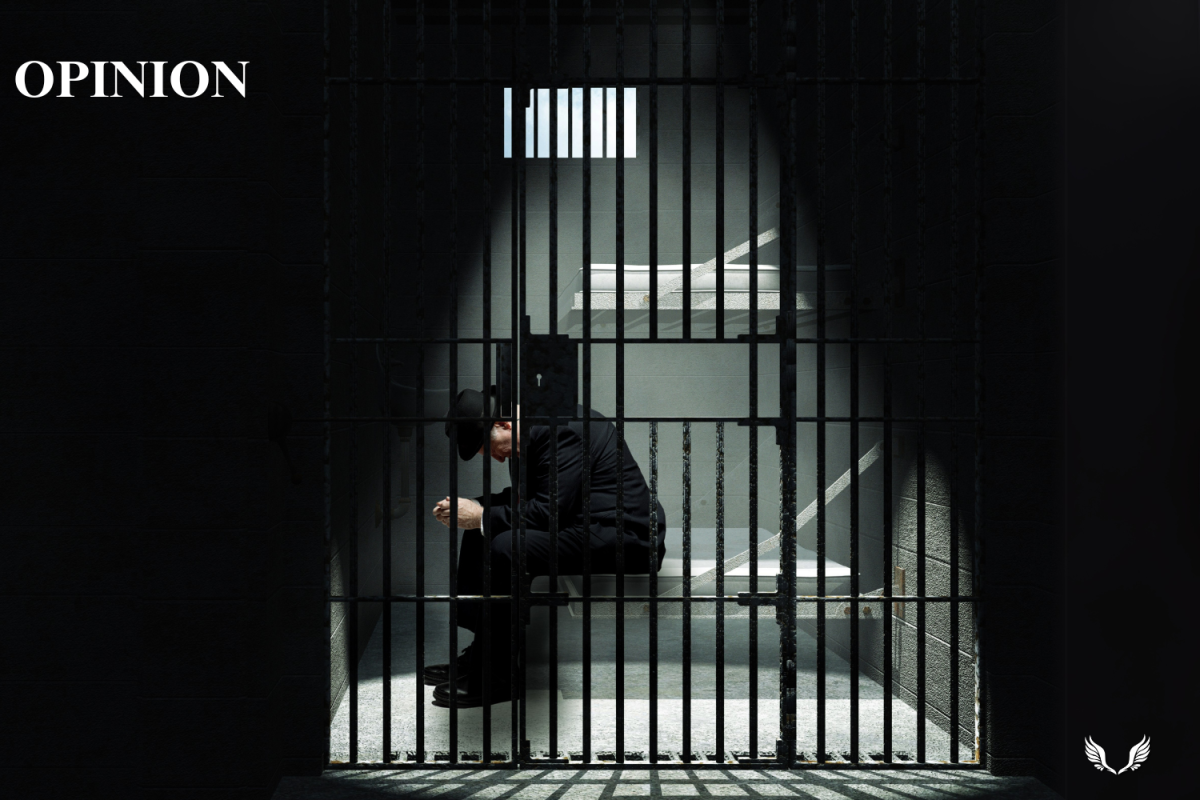
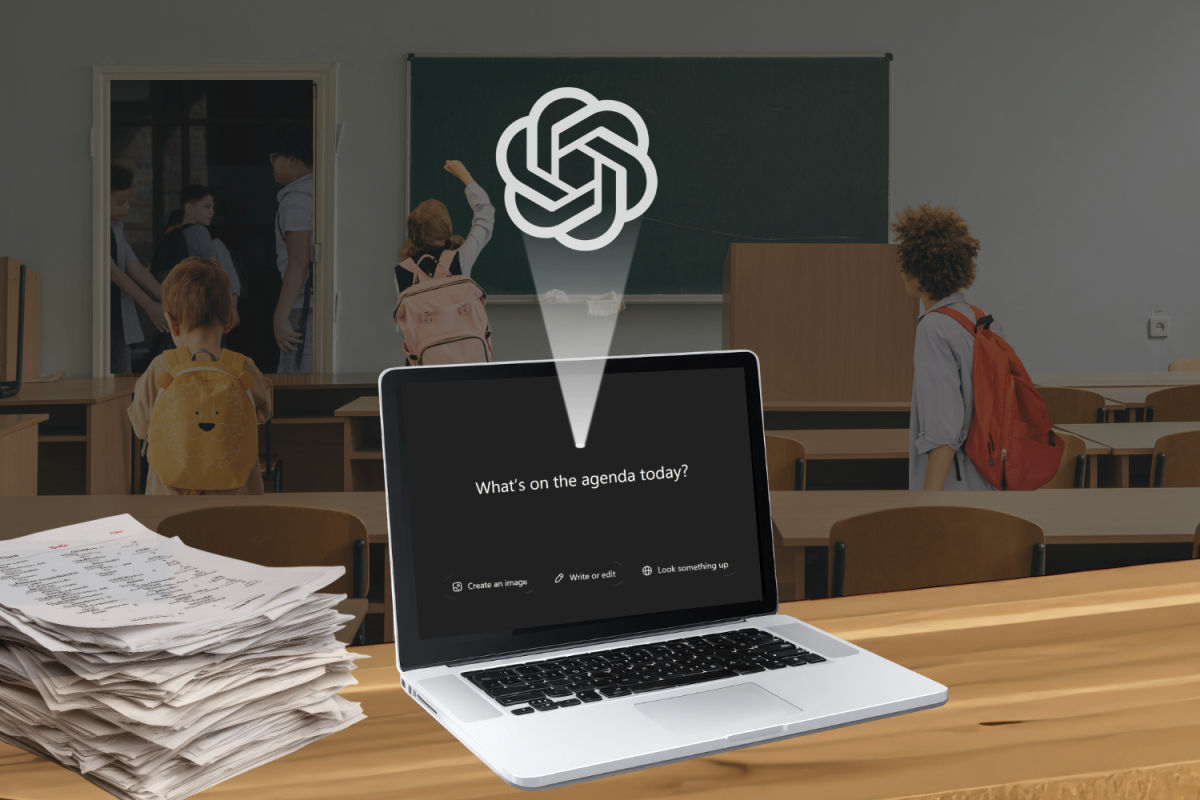
The sight of a blocked website has become all too common on the screens of student Chromebooks. As of the 2025-26 school year, Davie County Schools has implemented a new web filtering system called AristotleK12, which is used to filter harmful content on student devices to ensure online safety. A form of internet filter must be installed on school devices, as mandated by the Children’s Internet Protection Act (CIPA).
Although a web filter is necessary, the installation of AristotleK12 has wreaked havoc in classrooms across the board. The flagging of searches for “Frederick Douglass” is but one example of many. For sophomore Meghan Russo, AristotleK12 even blocked her searches on Shakespeare.
“My Chromebook has blocked Google searches about Shakespeare and his wife, information needed for a discussion in class, and many other websites I’ve tried to access.”
Along with preventing students from researching, AristotleK12’s filtering system has also halted students such as Russo from being able to complete certain assignments altogether.
“[AristotleK12] has made it very difficult to get certain assignments done when it continuously blocks everything that I need to use,” Russo said. “Sometimes I’ll try to research a historical figure and, for some reason, the Chromebook blocks it. It’s been really frustrating and forces me to find alternate ways to do work, including having to do it at home on my personal devices when I could’ve just finished it during school.”
AristotleK12’s filtering systems have caused issues not only for students but for teachers as well, especially when videos are integrated into assignments. Securly, the filtering system used previously by Davie County Schools, blocked students from accessing YouTube’s website directly. However, AristotleK12 has expanded this restriction. Videos embedded in Canvas pages are unavailable for students to view, as are some Edpuzzle assignments. For Davie High School’s teachers, this has caused much stress and frustration as lesson plans and assignment formats have been adjusted to accommodate the fickle filter. English teacher Renee Lamb has experienced some problems in her classroom with the filter, specifically regarding Genius Hour, extensive projects that English II students are required to complete.
“Weebly has been blocked, which we use for Genius Hour,” Lamb said. “Audible was corrupted, so we could not use that unless we used the iPads or personal devices. Every time a website is down/blocked, we have to open a separate ticket with IT, which can be difficult, especially if you’re in the middle of teaching. You either have to stop teaching to run and put a ticket in or try to remember to do it at the end of the day.”
A Blurry Situation
For the first few months of school, the unnecessary blocking of certain resources seemed to be AristotleK12’s only, albeit extensive, issue. After an update, it appeared that AristotleK12 would allow teachers and students to continue schoolwork in peace. YouTube was unblocked, which fixed many of the problems. Unfortunately, another problem arose, this time regarding digital images.
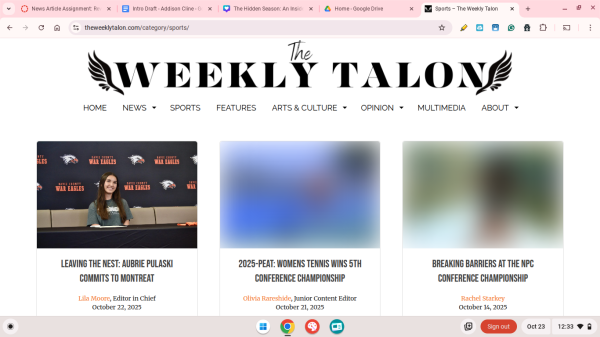
When scrolling on the Weekly Talon’s home page, junior Hayden Smith noticed that some of the feature images on articles seemed odd. They were blurred out, as if they couldn’t load, while other pictures on the website appeared normal.
“I first noticed the blurred images when I went to go and look at the spirit week photo gallery. I saw that the cover of the gallery was blurred,” Smith said. “At first, I thought that Mr. Barker had put some setting on the galleries that blurred the cover photo to encourage people to click the gallery. But then I noticed that the majority of our sports articles’ pictures were blurred out, and the blurred-out photos seemed to target girls’ sports coverage. I was really confused because our photos were definitely not blurred originally.”
It seemed that AristotleK12 was determining whether or not a picture should appear on a student’s screen. Smith wasn’t the only one experiencing this problem with blurred images on her Chromebook; other students who attempted to view articles or galleries on the Weekly Talon found that certain images didn’t appear correctly.
So, how does AristotleK12 calculate whether a picture should be blurred? The answer lies in its filtering mechanisms. For a web and content filter like AristotleK12 to function, it must use tools like keyword analysis and URL recognition to block content considered harmful or inappropriate. David Blattner, Chief Technology Officer of Davie County Schools, said that AristotleK12 uses many of these mechanisms to achieve its goal.
“While I can’t share specific technical details about AristotleK12 or its configuration — since that information could potentially compromise the system’s effectiveness — I can provide some general insight into why we use it and how it works,” Blattner said. “AristotleK12 uses a combination of content categorization, keyword analysis, and machine learning to determine whether a website or online resource falls into a category that should be restricted. It continuously updates its database of sites and classification based on new content and patterns observed across school networks nationwide.”
Restricting searches is likely the result of oversensitive keyword analysis. However, for the filter to blur out images, it must rely on machine learning.
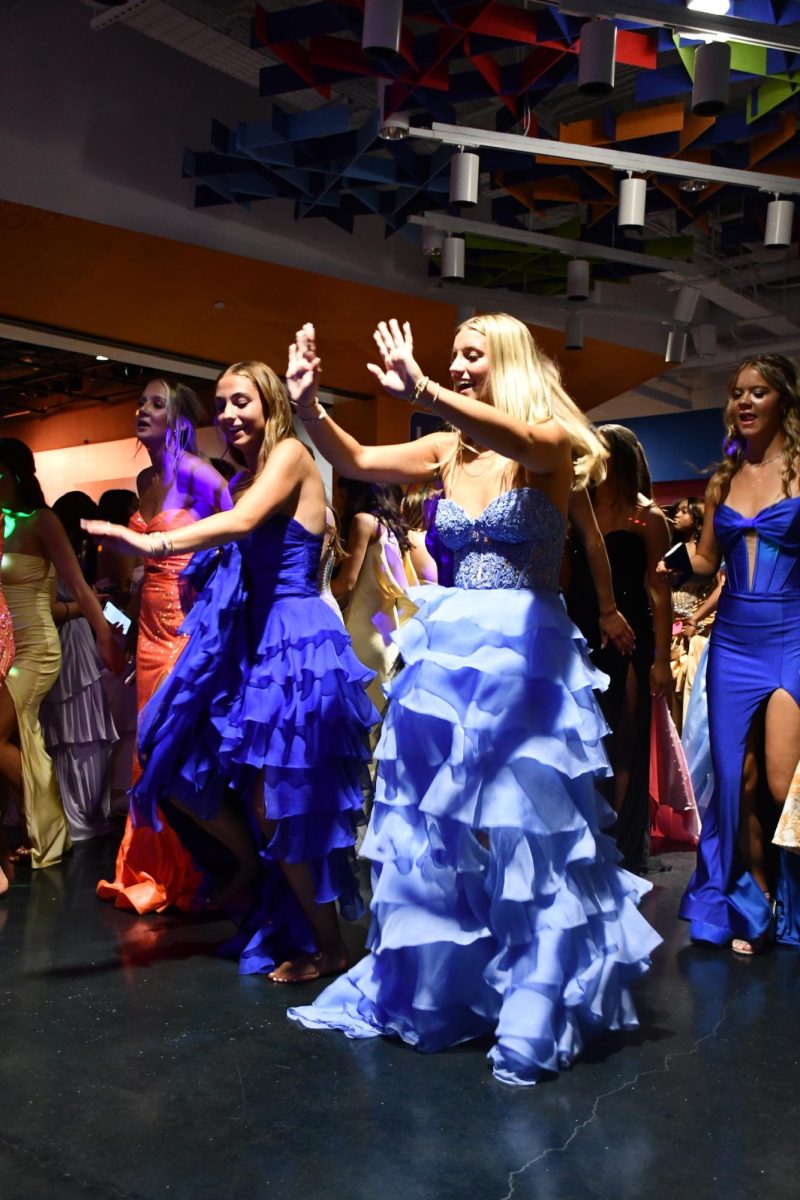
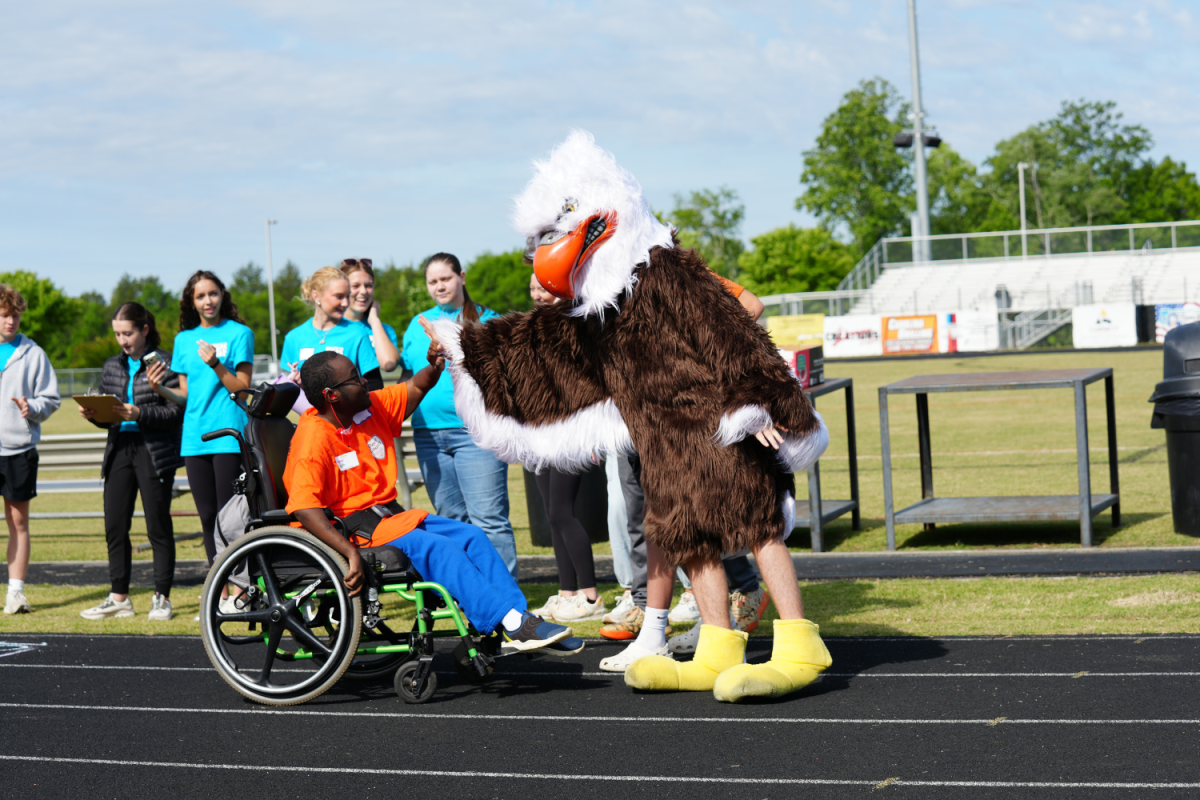
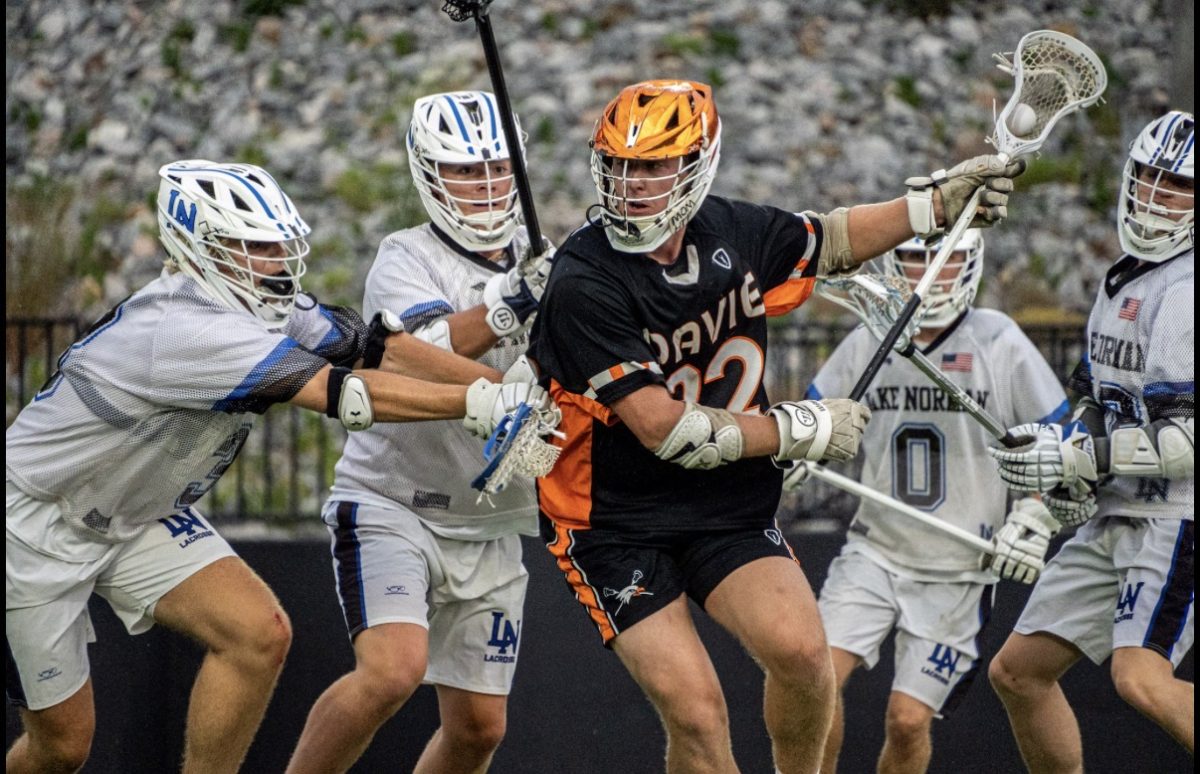
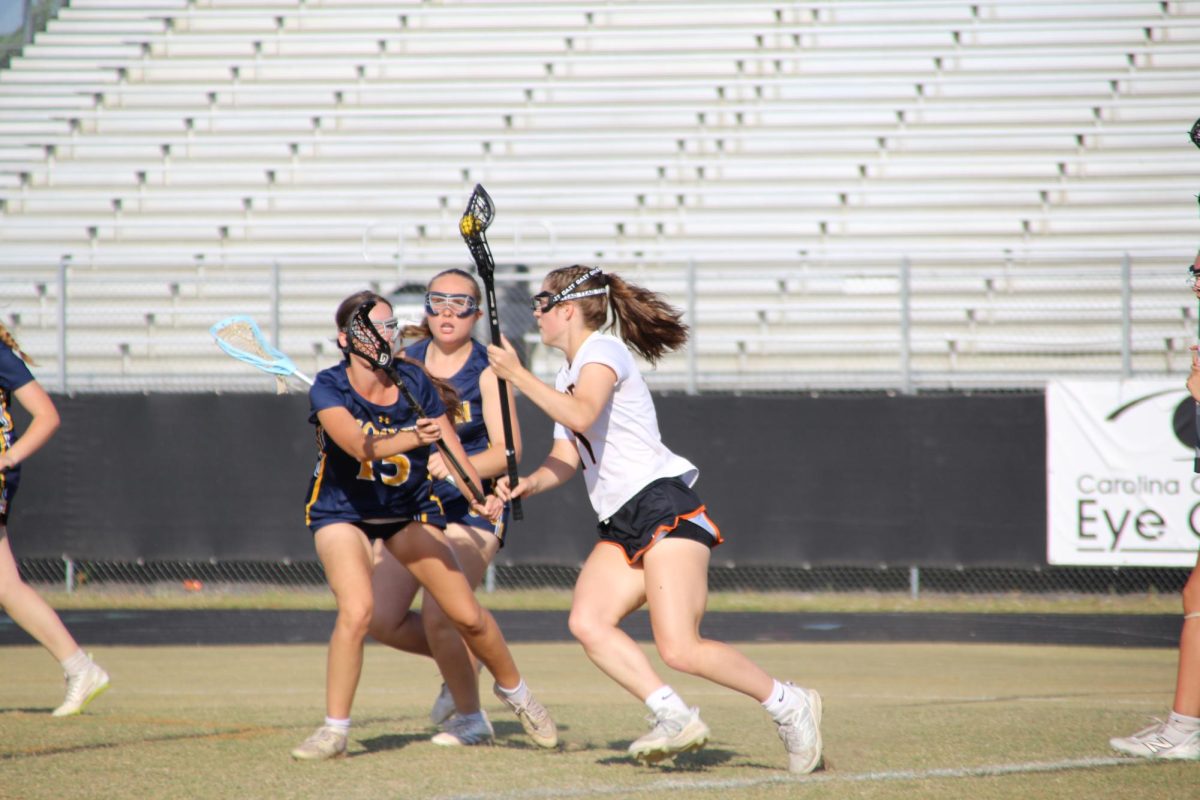
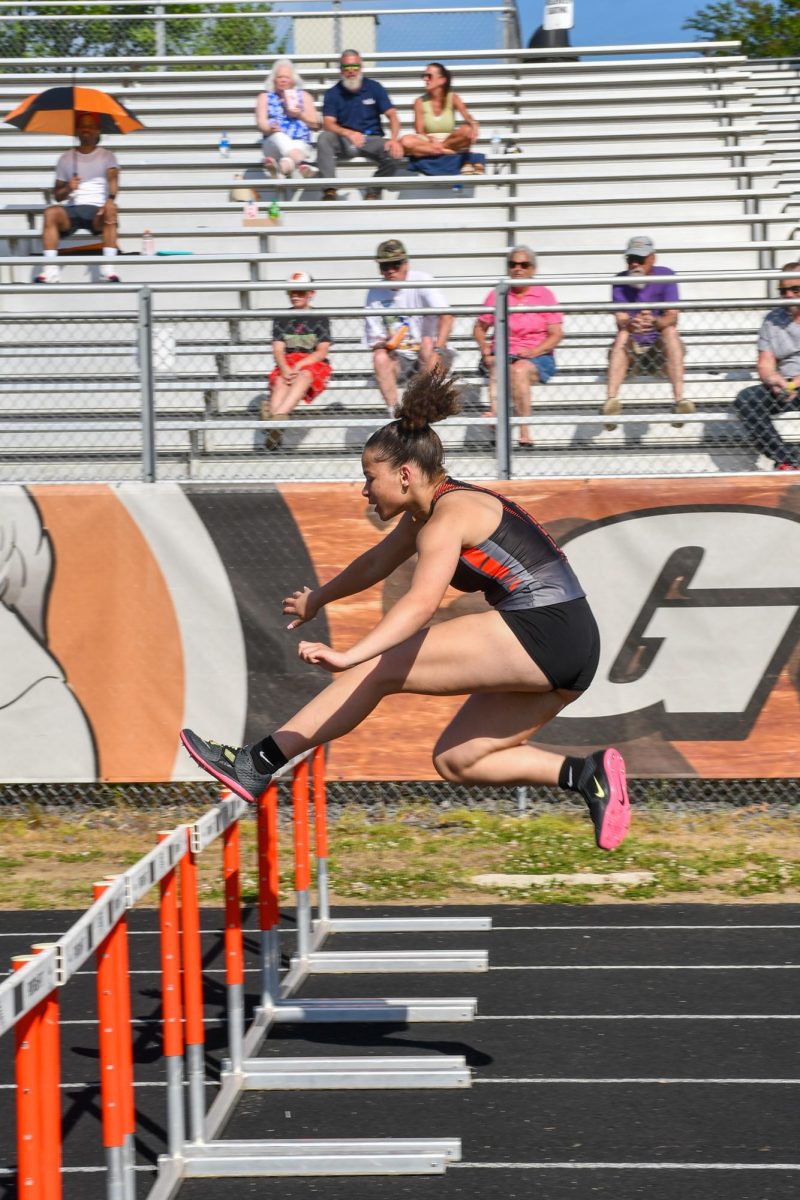
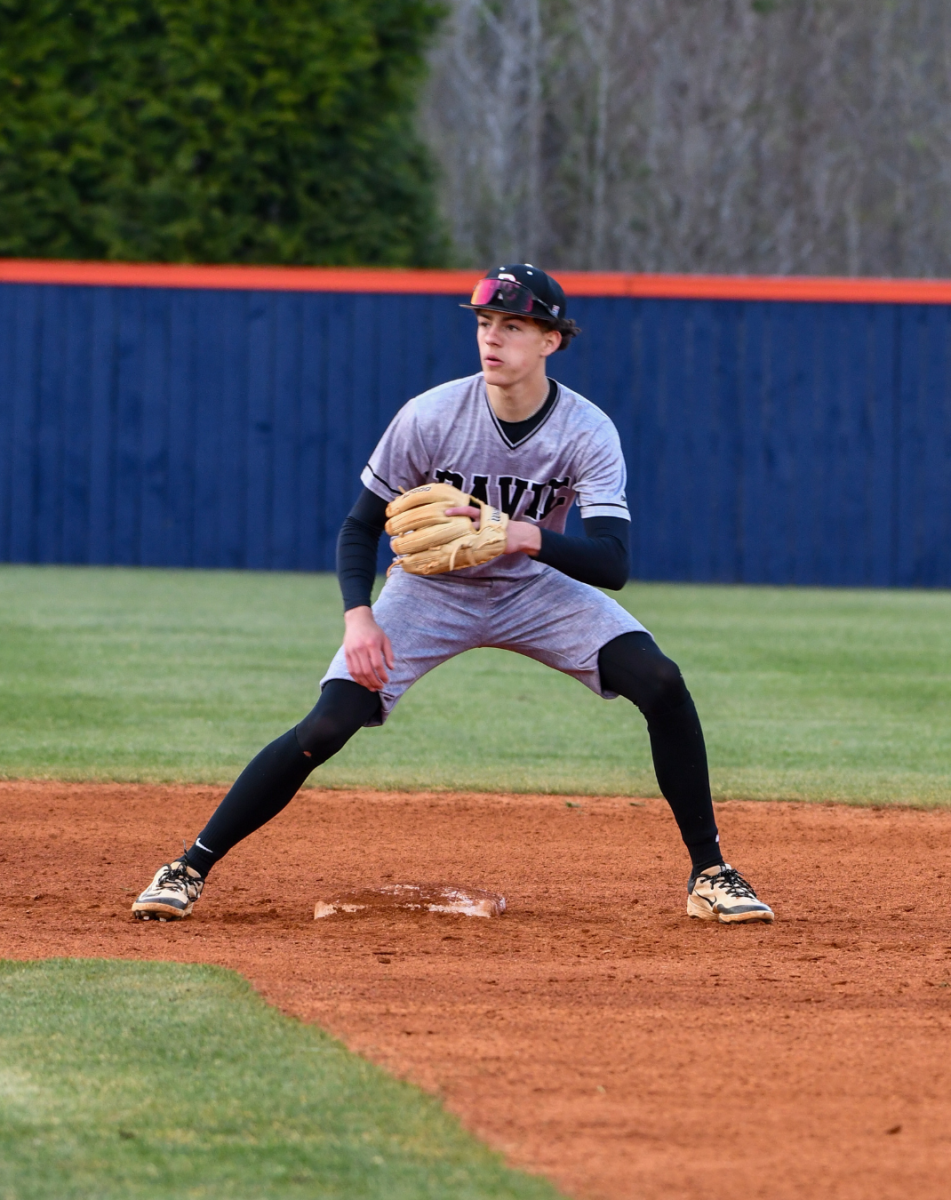
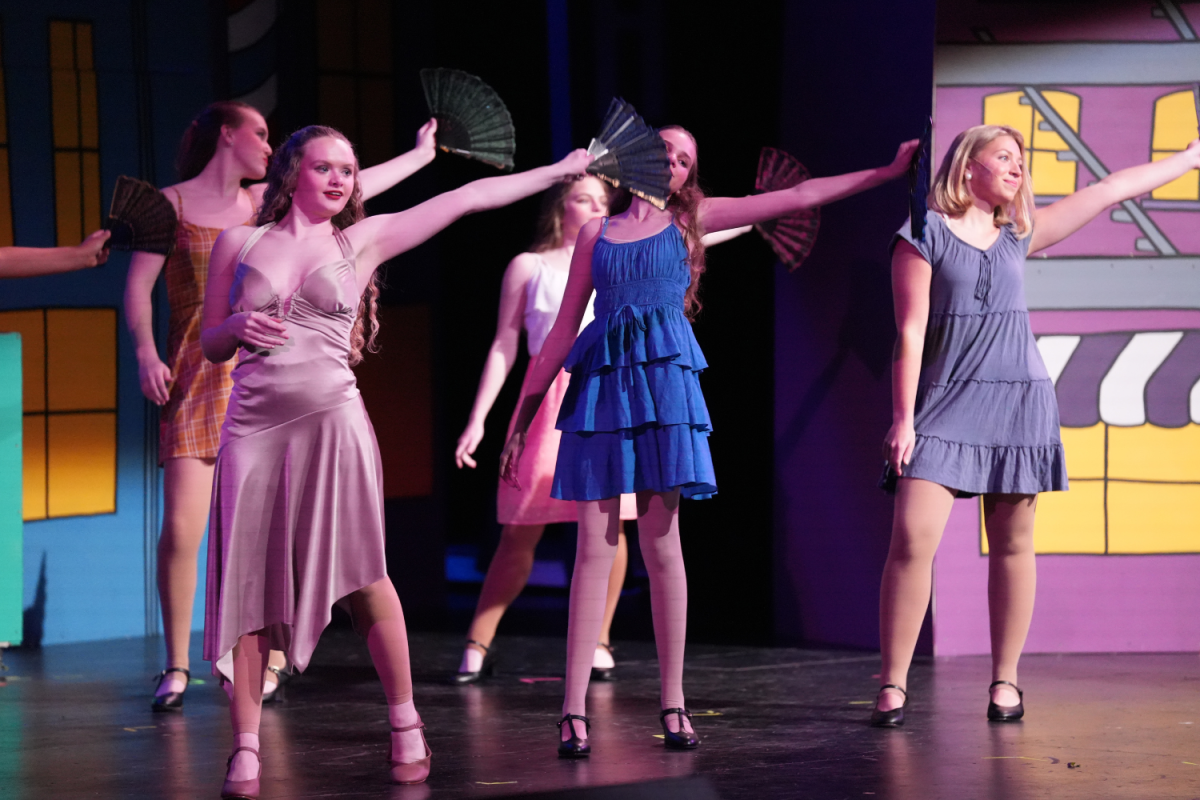
AristotleK12 likely uses machine learning to calculate the amount of skin showing in a picture and compares the ratio of skin-to-background to the data it has been trained on to determine whether or not to blur an image. AristotleK12 may recognize that inappropriate pictures often have a high ratio of skin in reference to background, compare that ratio to the image on screen, and subsequently blur the photo if the ratio is similar. However, as Smith noticed on the Weekly Talon’s website, the pictures AristotleK12 most commonly blurred were those of female athletes. Pictures of the women’s tennis, cross country, and basketball teams were consistently blurred out.
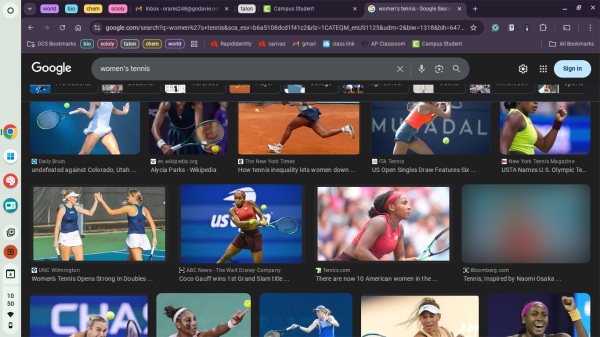
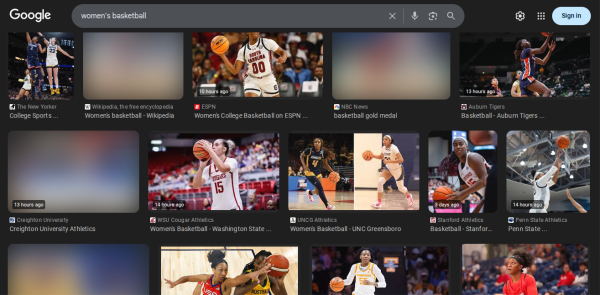
Moreover, AristotleK12 seems to misidentify whether a pixel containing a color similar to skin tone is actually skin or part of the background. This theory was supported by simply searching for “women’s basketball” and “women’s tennis” on Google images; many more of the images for basketball were blurred compared to tennis, as basketball courts contain colors similar to some players’ skin.
AristotleK12 also seems unable to distinguish between the actual body parts that skin tone pixels belong to. In an article published by the Weekly Talon titled “Movember: One ‘Mo Sister’ Preserves Her Husband’s Legacy,” an image of the featured subject performing pushups where his face is close to the screen is blurred. Though the image didn’t show a large portion of his skin compared to his body (the image mostly contained his face), AristotleK12 still calculated that too much skin was showing in the image and blurred it. The result is a confusing, indistinguishable image that looks extremely out of place.
Though the effects of the blurred images on classrooms may be less obvious than that of the over-sensitive search blocking, AristotleK12’s variable image blurring can still impact students attempting to complete assignments. Sophomore Olivia Howard has had issues when trying to complete projects for her AP World History class on Canva.
“Recently, I was trying to find images to include in a poster about Stono’s Rebellion, but I was unable to find good pictures because most of the images were blurred out,” Howard said. “I felt as though my project was incomplete, as the pictures I had to use did not truly represent the rebellion.”
Outside of assignments, the image blurriness may also have the potential to slow traffic on news websites, especially the Weekly Talon. Howard commented that there have been times when she’s attempted to read a Weekly Talon article on her Chromebook but found it difficult due to the blurred images. Smith also discussed how the image blurriness could affect sites like the Weekly Talon.
“The filter could really affect the traffic to our site because photo galleries tend to attract the most views,” Smith said. “And if people are visiting the Weekly Talon site on their Chromebook, they may not be able to access the content they’re interested in.”
Although the intent of having AristotleK12 on Chromebooks is to protect and create a safe online environment for students, the frustrations and limitations that students and teachers alike have faced this year present a serious question as to whether or not the filter is truly fulfilling its purpose. The online safety mechanism has quickly hindered the productivity of students at Davie, both in and outside of the classroom, rather than protecting students. Minor improvements to the multitude of issues with AristotleK12 have been made throughout the year, yet none have helped address the root of its problems. The web filter has frustrated and will likely continue to frustrate students and teachers at Davie.